Jobs, tickets, and an arcade.

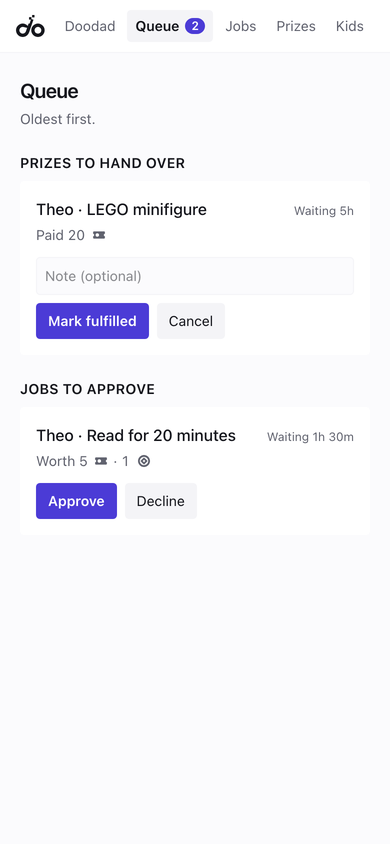
Your kids do the things that need doing and earn tickets the moment they finish. You set the jobs and the prizes, and you can undo anything.
Kids need a code from their grown-up the first time.
Already use docade? Sign in
What it looks like
Example screens, filled in with sample data.
How it works
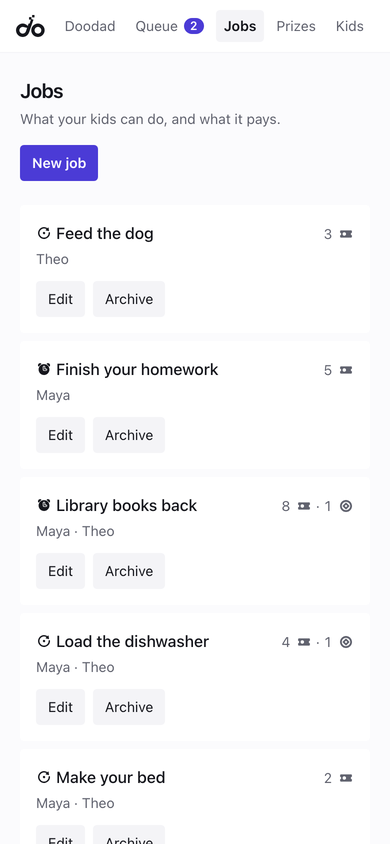
- You set the jobs.Pick what needs doing and what each one is worth in tickets. Some have a deadline; others come back on their own after a rest.
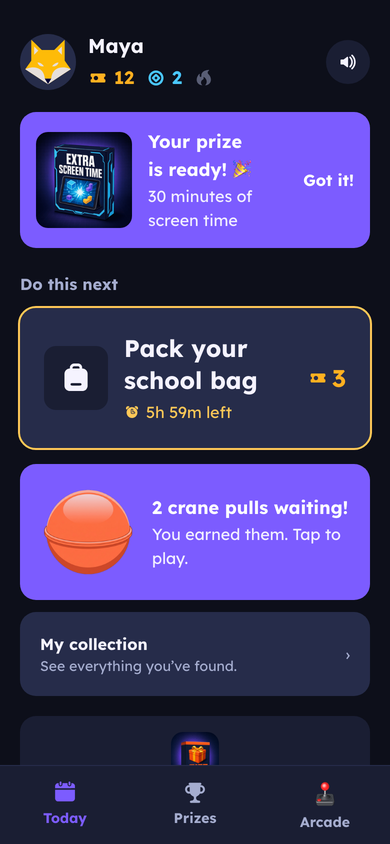
Your jobs list, and what each one pays - They do it, and it counts right away.Your kid marks a job done and the tickets land instantly. You look it over later, and you can reverse it with a note if it wasn’t really done.
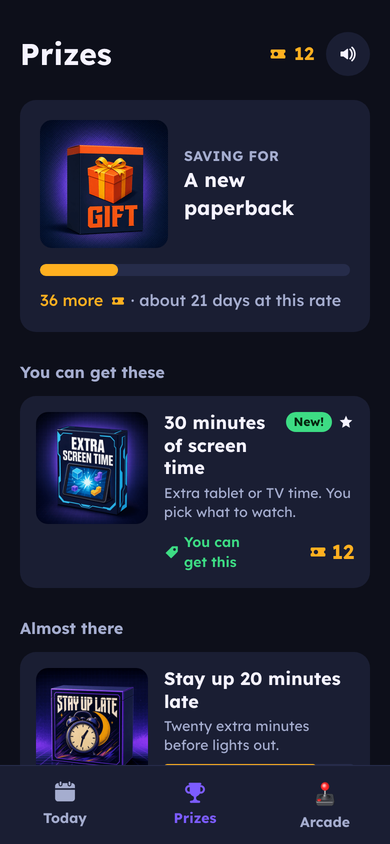
Their day, with the next thing to do - Tickets turn into prizes.Kids save toward prizes from a wall you stock. When they redeem one, you hand it over.
The wall, with prices and progress
Instant for them, reversible for you
The reward lands the moment they finish, so doing the thing and getting the thing are the same moment. You can reverse a completion afterward with a note.
Prizes you stock
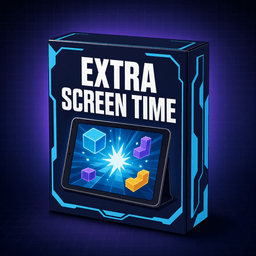
You decide what goes on the wall and what it costs. Kids pick one to save toward and watch it get closer.





And an arcade
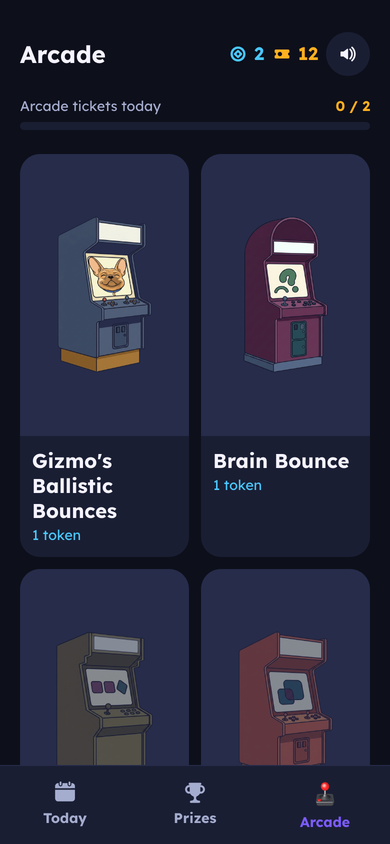
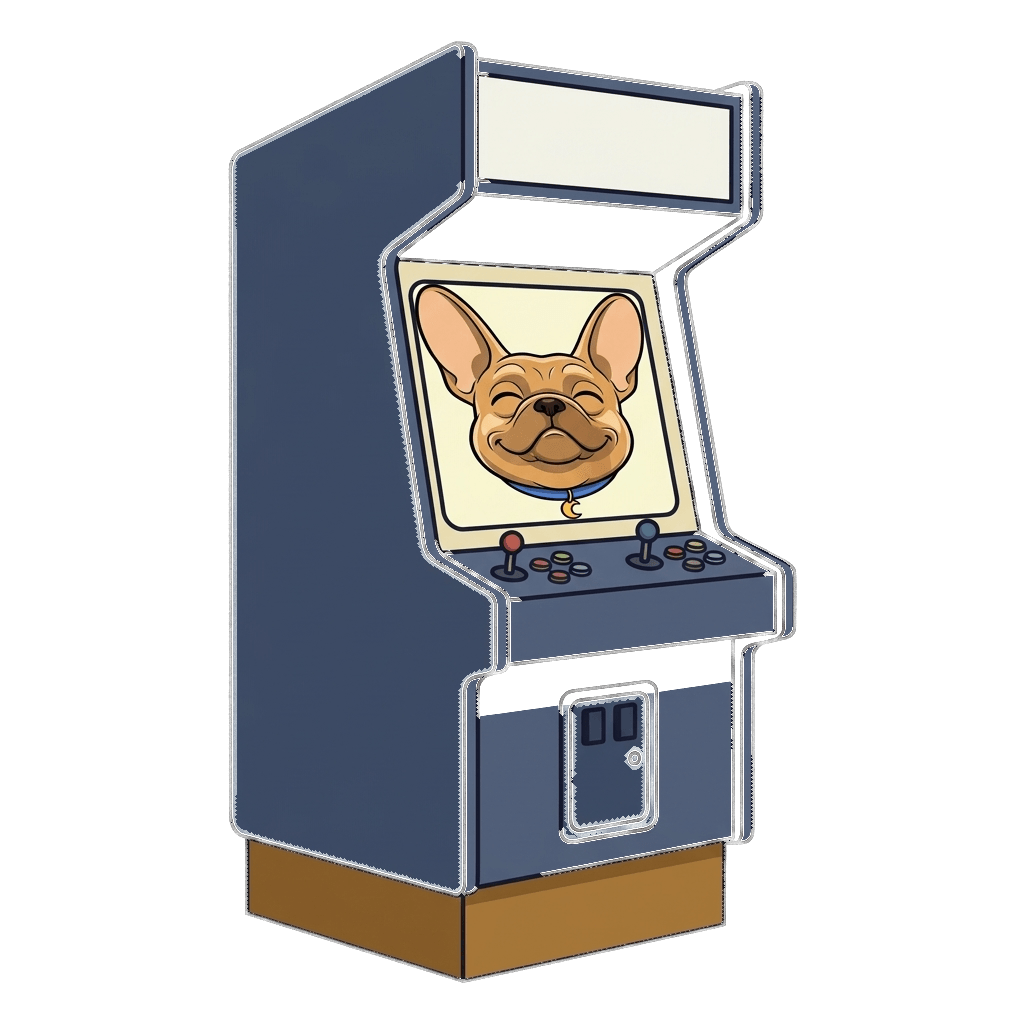
Every morning each kid gets a few arcade tokens to play with. Tokens are for games, tickets are for prizes, and one never turns into the other. Nothing in docade costs real money.
- Brain Bounce
- Gizmo’s Ballistic Bounces

Show up again tomorrow
Doing something every day builds a streak, and the flame grows with it. Miss a day and a freeze can save it.






Things to find
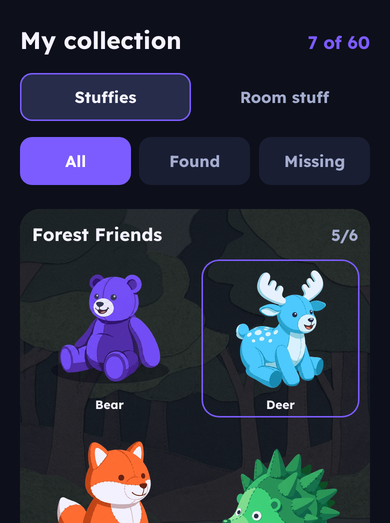
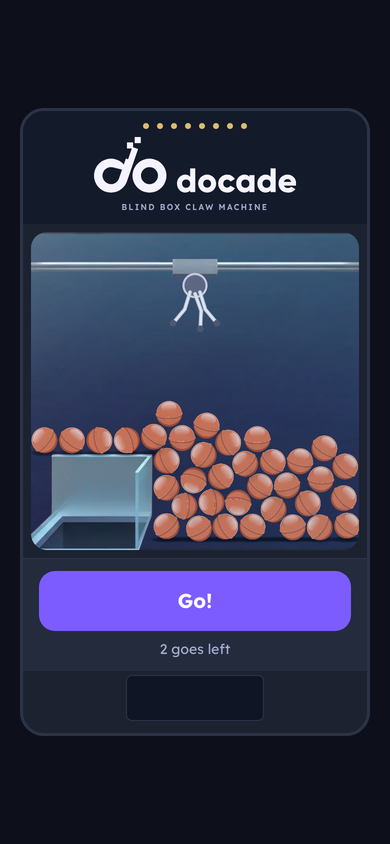
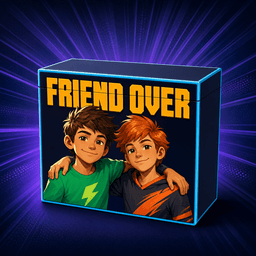
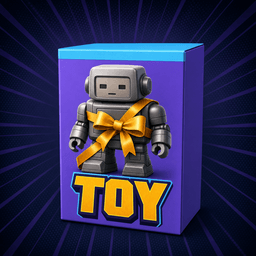
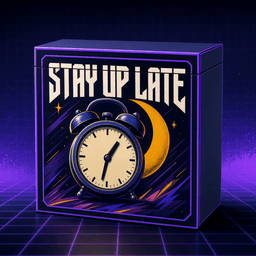
Streak milestones earn a go on the claw machine, and what comes out is a blind box. The ones you haven’t found yet show as shadows.
- Fox
- Butterfly rhino
- Stag
- Not found yet





Every go gives a capsule. You find out what’s inside when it opens.
Doodad sets things up
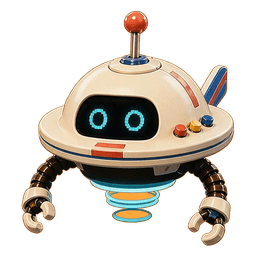
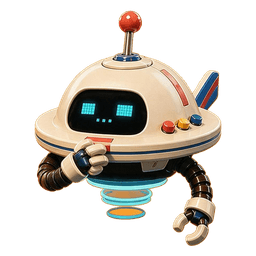
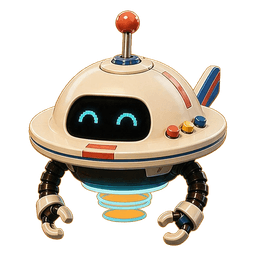
Tell Doodad what your week looks like and it sets up the jobs. Kids don’t talk to Doodad — it is yours.
What you control
- What every job is worth, and which prizes are on the wall.
- How many tokens each kid gets a day.
- Which reminders reach you and which reach them.
- Doodad, your assistant, sets things up when you just say what you want.
Built for kids’ phones
- No ads, no purchases, no chat, and no links out of the app.
- Kids never give an email address. They join with a code and a PIN from you, and pick themselves from your family.
- Every household is sealed off from every other one.
- You can export or delete your family’s data at any time.
Getting started
Grown-ups
- Tap Set up your family and enter your email.
- Open the sign-in link on this phone. It works once and lasts an hour.
- Add your kids, then set up jobs and prizes. Start from a ready-made set, or tell Doodad what your week looks like.
Kids, on your own phone
- iPhone: open docade.app in Safari, tap Share, then Add to Home Screen. Open docade from your Home Screen.
- Android: open docade.app in Chrome. Adding it to your Home Screen is optional.
- Tap I’m a kid, enter the code your grown-up gives you, tap yourself, and type the PIN they set for you.
On an iPhone, add docade to your Home Screen before you sign in. Signing in first in Safari won’t carry over.